Table of Contents
LogicExcel
At a Glance
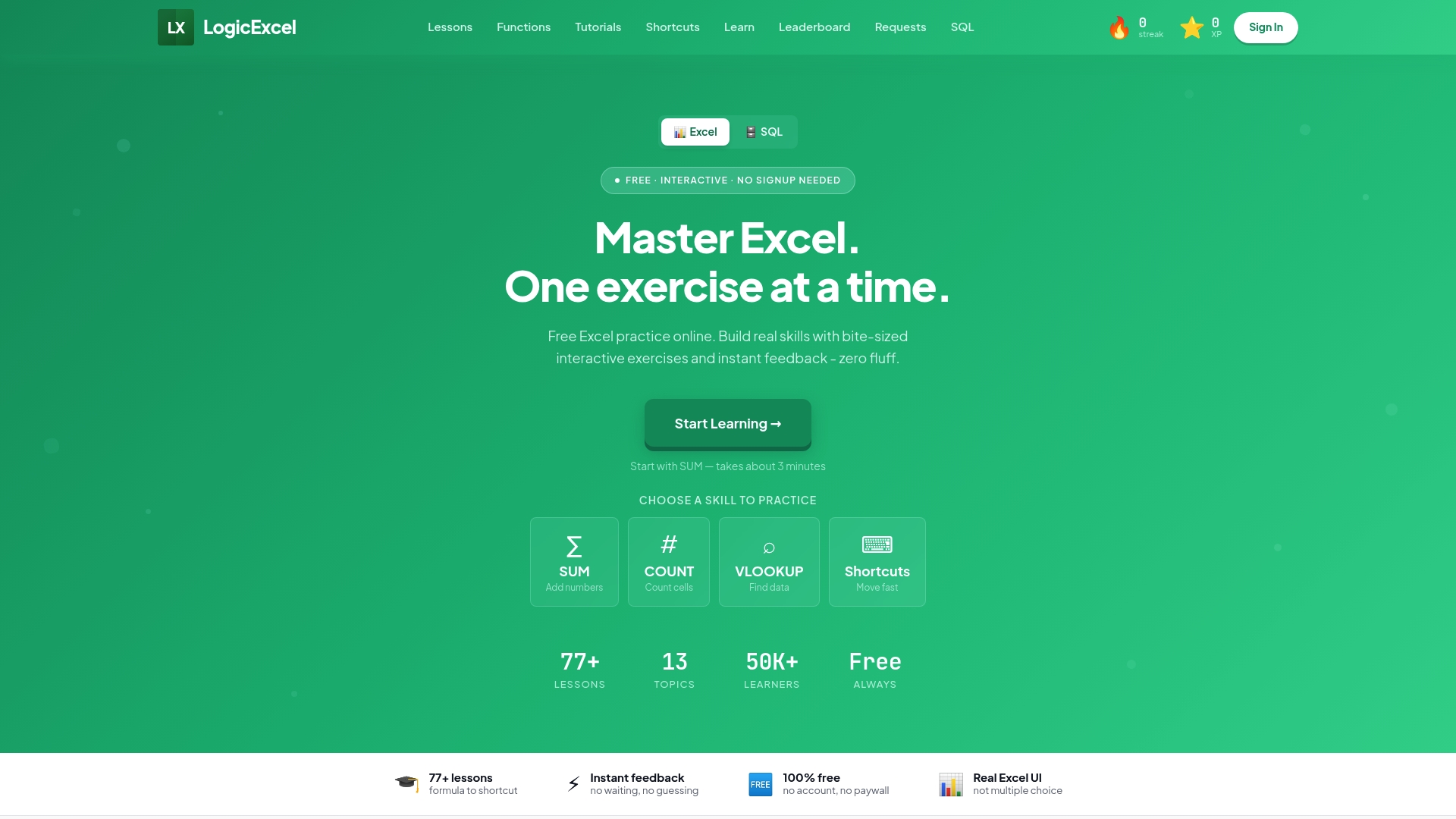
Over 77 bite-sized lessons organize hands-on Excel practice into structured paths for beginners, intermediates, and advanced learners. Lessons run inside a real Excel-like environment in your browser so you type formulas and get instant feedback. The site requires no downloads or signups and is free to use.
Core Features
Interactive exercises provide immediate validation of the formulas you enter and offer explanations for common mistakes, which speeds learning through repetition. Structured learning paths guide you from basic formulas to pivot tables and browser-based SQL integration, while progress tracking uses XP and streaks to motivate daily practice. Error guidance accompanies exercises so you learn why a formula failed and how to fix it.
Key Differentiator
Real time, in-browser Excel simulation validates formulas as you enter them and provides explanatory feedback for errors. That mechanism lets you build muscle memory by repeating exact keystrokes and formulas in an interface that mirrors desktop Excel. The immediate correction reduces guesswork and helps you move from guessing formulas to writing them with confidence.
Pros
Free access with no signup lowers the friction to start practicing, which suits people who need quick, hands-on repetition. The focus on doing rather than watching lectures strengthens keyboard fluency and formula recall because you work inside a familiar spreadsheet surface. Clear progression from beginner to advanced topics, plus inline explanations, makes it practical for analysts, managers, and career changers preparing for assessments or daily tasks.
Cons
- Limited to Excel formulas and functions, with little coverage of VBA or deep programming and less material on advanced data visualization.
Who It's For
Professionals who need fast, practical Excel skills for work or certification will get the most immediate payoff. Students and career changers who must prove competence on Excel assessments can use the structured paths to focus practice. Instructors and trainers can assign focused exercises for employee or class practice without signups.
Unique Value Proposition
No signup and a free, browser hosted Excel simulator mean you can practice real formulas instantly with zero setup. That removes onboarding delays for teams and managers who want people practicing immediately. Practicing in a matching interface reduces the time it takes to apply skills to actual workbooks and helps learners arrive at accurate formulas faster.
Real World Use Case
A business analyst rehearses lookup functions and pivot tables to prepare a project report. Instant formula validation highlights errors and suggests the correct function structure while the analyst types. By the deadline the analyst has repeatable, ready to use formulas and stronger keyboard fluency for the live dataset.
Website: https://logicexcel.com
Excel Exercises
At a Glance
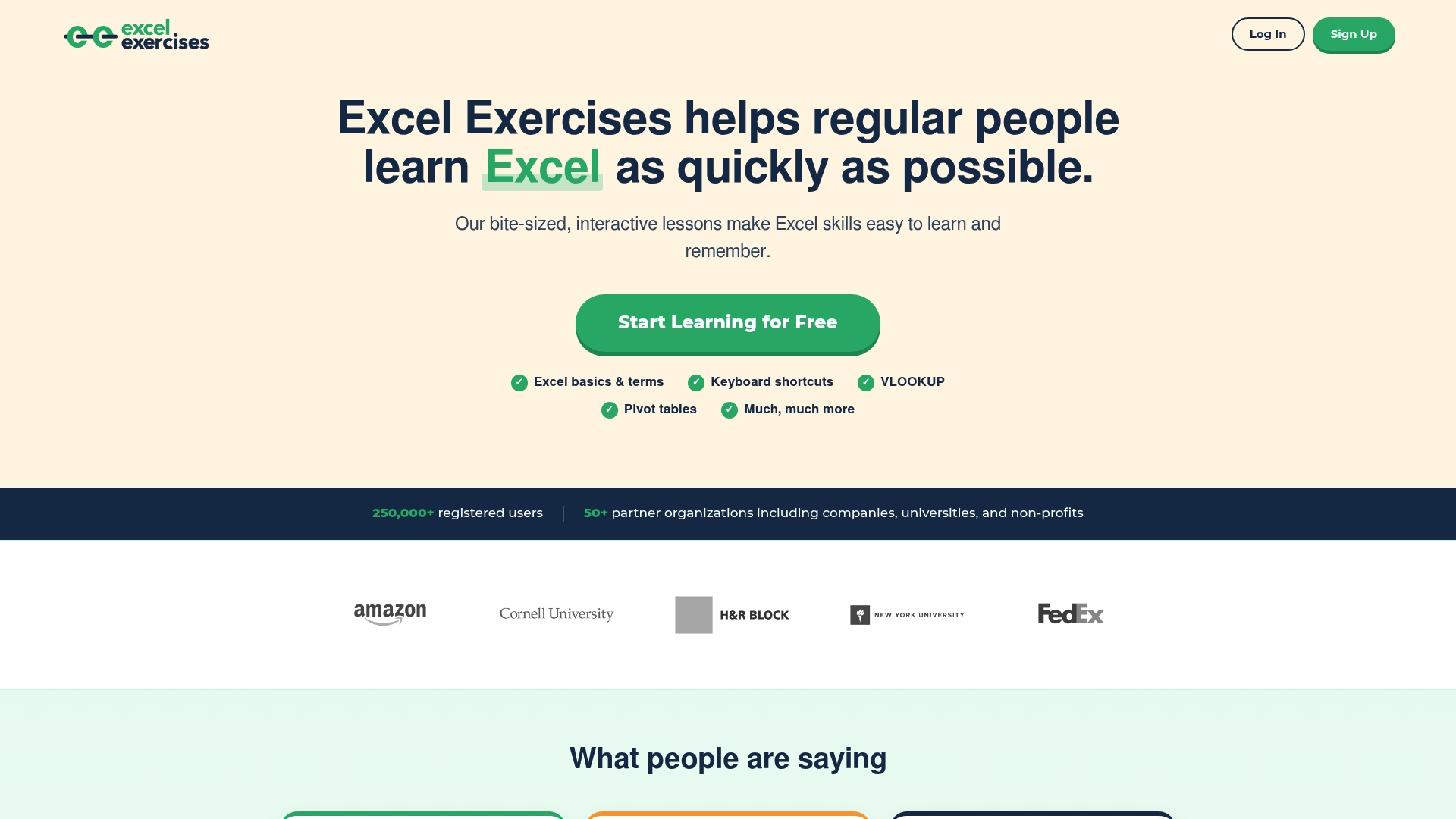
You can practice real Excel functions in your browser using an online simulator. The lessons are small and interactive, which keeps sessions short and focused. Free access is available, with an optional paid certification for those who want formal proof of completion.
Core Features
The site delivers interactive, bite-sized lessons that cover basics through advanced formulas and shortcuts. Lessons require typing formulas and using keyboard commands in a simulated spreadsheet, and progress levels unlock as you master skills. The platform also offers a paid certification upgrade for learners who want a credential.
Key Differentiator
Excel Exercises centers on repeated practice to build muscle memory rather than long video lectures. This product fits learners who want to type formulas repeatedly and get immediate feedback. The approach favors short practice cycles over deep course projects.
Pros
The hands-on format speeds retention because you enter formulas and use shortcuts repeatedly. Scoring and level progression make practice feel like a training routine, which helps with consistency. Practicing in the browser removes the need to install Excel and keeps setup time to a minimum, and the paid certification adds a clear endpoint for learners who want a credential.
Cons
- Limited course customization. There is no detailed path for tailored coaching or one-on-one instruction.
- Narrow coverage for advanced visualization and automation. The platform focuses on formula practice rather than dashboards or macros.
- Pricing for premium features is not fully detailed. Free access exists, but exact certification fees are not listed.
When It May Not Fit
If you need guided projects that produce polished dashboards or automated workflows, this product will feel incomplete. Teams seeking personalized coaching, live instruction, or enterprise reporting features should look elsewhere. Learners who require formal pricing transparency before committing may find the site missing that detail.
Who It's For
This tool suits people who learn best by doing and who need quick, practical Excel skills for work or assessments. It fits beginners who want hands-on practice and intermediate users who need to sharpen formulas and keyboard efficiency. The format works for busy schedules because lessons are short and self paced.
Real World Use Case
A finance analyst uses the exercises to practice nested formulas and keyboard shortcuts until building models becomes faster and less error prone. Daily 10 to 20 minute sessions help convert passive knowledge into practical speed on real spreadsheets.
Pricing
Access to lessons is free, and the site offers a paid certification upgrade for learners who want a formal credential. No tiered subscription details are listed publicly, so certification cost appears separate from the free learning content.
Excel Practice Online
At a Glance
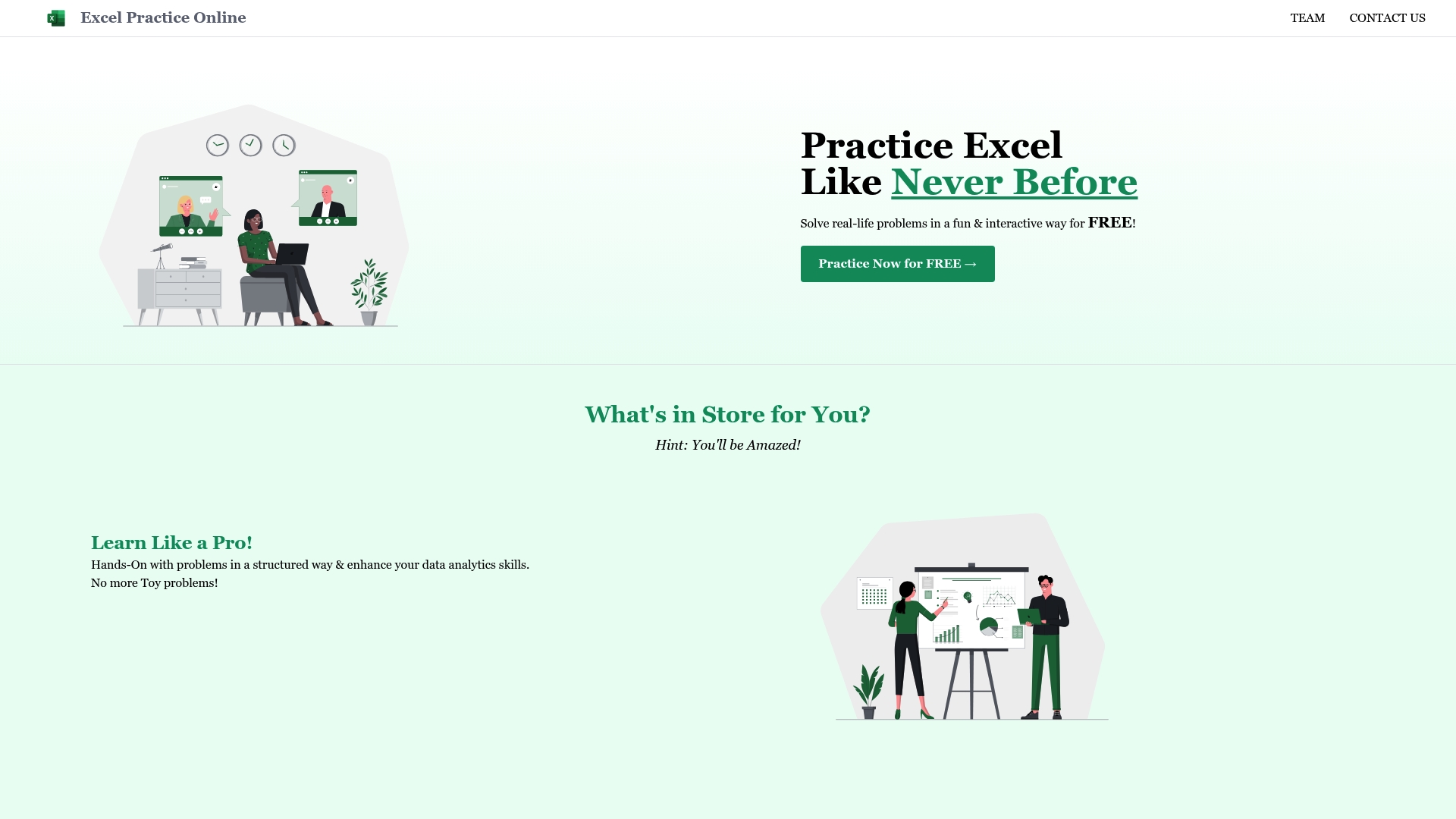
All exercises run directly in the browser, and every problem includes a worked solution. The platform targets practical Excel tasks that reflect reporting and analysis work rather than toy examples. The site was created by a team based in India and is available worldwide.
Core Features
Members access interactive Excel exercises that span basic functions to advanced problem solving, and each item pairs a problem with a clear solution. The learning model emphasizes applying formulas and steps to real life data scenarios instead of isolated concept drills. Members can open exercises in any browser, with no installation.
Key Differentiator
The core difference is the structured, problem based learning path that pairs each exercise with a full written solution, delivered in the browser for free. That focus makes the platform a practice library rather than a course with tracked lessons or certification. It suits learners who want repeated hands on practice with immediate answers.
Pros
Free access to practical exercises lowers the barrier for students and professionals who need hands on practice. The problem solving approach helps you apply Excel to reporting and analysis tasks you will face at work. Detailed solutions let you verify steps and learn alternative formula approaches without waiting for instructor feedback.
Cons
- No mention of real time collaboration or the ability for members to work together on the same spreadsheet.
- Limited information on progress tracking or formal assessments that certify skill improvement.
- No public details about advanced automation features such as VBA or direct data import and export.
When It May Not Fit
If you need collaborative classrooms with live instructors, this platform will feel narrow. If you require certification, structured course syllabi, or automated skill reports, look elsewhere. Teams that rely on tool integrations or shared spreadsheets will miss integration and collaboration features.
Who It's For
Students and individual learners who need repeated, practical practice problems to improve speed and accuracy will benefit most. Data analysts and product managers who want to rehearse real life reporting tasks can use the site to sharpen daily workflows. People seeking accredited training or team collaboration features will find the fit limited.
Real World Use Case
A student preparing for a data analysis class opens several practice problems, completes each exercise in the browser, and checks the provided solution to compare formulas. The student repeats variants of the same problem to build confidence with pivot tables and lookup formulas. That routine shortens time spent debugging and improves speed when working on graded assignments.
Website: https://excelpractice.online
Jashby
At a Glance
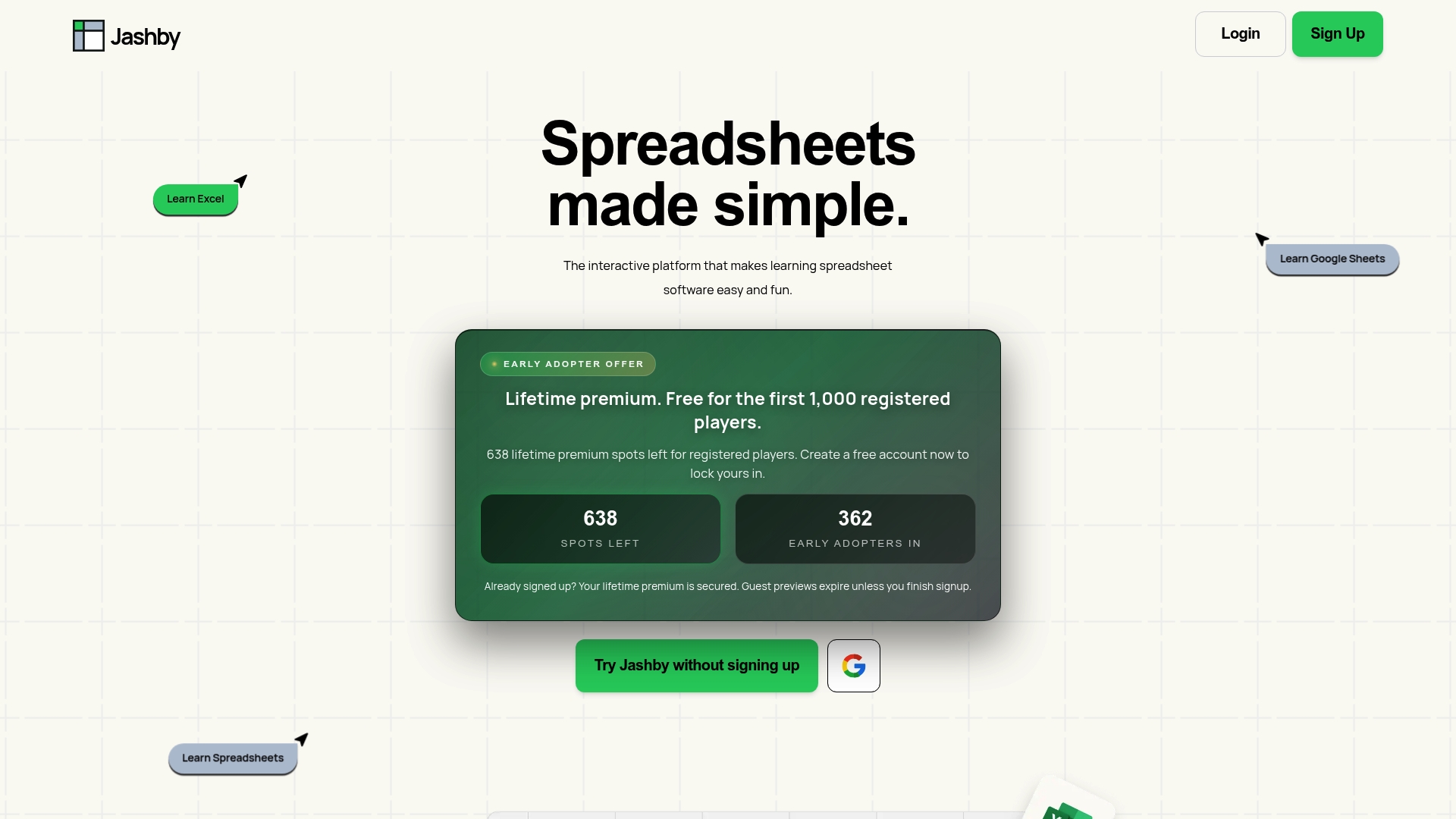
Jashby reports the first 1,000 sign ups receive free lifetime premium access. The platform teaches Excel and Google Sheets through gamified, hands-on levels inside a built-in spreadsheet. Early users can secure premium features now before the vendor introduces paid plans.
Core Features
Jashby delivers short, level-based lessons that require you to edit and submit answers inside an interactive spreadsheet environment, so practice happens while you learn. Lessons emphasize skills that translate across Excel and Google Sheets, letting you apply the same workflows in either application. The current release centers on beginner and intermediate topics, with planned premium modules for analytics, certification prep, and team dashboards.
Key Differentiator
The standout element is gamified, interactive learning levels that run inside an in-built spreadsheet. That format forces you to type formulas and correct errors rather than watch videos. The result is faster muscle memory and direct transfer of skills into real workbooks.
Pros
Jashby makes entry-level spreadsheet learning easy to start by removing upfront cost barriers and access limits for early enrollees. The hands-on levels keep practice short and repeatable, which helps retention more than passive tutorials. Cross-platform exercises mean the same techniques work in both Excel and Google Sheets, and the early-access program currently removes paywalls for core content.
Cons
- Limited advanced features. The initial release focuses on basic to intermediate skills while advanced tools are still in development.
- Early access is capped. That early-access offer applies only to a set number of users and may not be available later.
- Not yet tailored to enterprise training. Team reporting and admin controls are promised but not available at launch.
When It May Not Fit
If you need deep analytics training or custom enterprise controls today, Jashby will not meet those needs yet. Large teams that require role-based dashboards and centralized reporting should wait until the vendor ships team features. Advanced spreadsheet power users will find the current curriculum too introductory.
Who It's For
Beginners and casual learners who want a playful, low-cost way to build everyday spreadsheet skills will benefit most. People who dislike long video tutorials and prefer immediate hands-on practice will also get more from Jashby. Small teams exploring an affordable training option can trial the early-access program.
Real World Use Case
A junior analyst completes three short levels on lookup functions and conditional aggregation inside the built-in sheet. They then copy the same formulas into a company workbook for a weekly report. That sequence converts practice into useful output within a single afternoon.
Pricing
Jashby reports free access for the first 1,000 sign ups with lifetime premium for those early users. The vendor plans paid tiers after early access, though final pricing and tier details are not yet listed.
Website: https://jashby.com
Comparison of alternatives
Choosing the right platform for honing Excel skills depends on the learner's needs — whether it's real-time simulation, applied problem sets, or gamified practice. Each of the following platforms offers unique learning formats catering to diverse requirements while targeting skill-building in core and advanced Excel functionalities.
Interactive learning experience
LogicExcel excels with its in-browser Excel simulator that provides immediate feedback on formula entry. This feature bridges the gap in traditional learning tools by offering real-time error correction, which expedites skill acquisition. Contrarily, Jashby offers gamified levels focused on engaging beginners and casual learners, emphasizing accessibility and enjoyment during initial learning stages. Meanwhile, Excel Exercises leverages a similar simulator interface, adding certification for learners emphasizing professional credentials.
Practical problem scenarios
Excel Practice Online shines in offering context-rich, solution-paired tasks, enabling users to practice with real-life operational datasets. This method caters well to professionals requiring relatable applications to reinforce on-the-job proficiency. In comparison, LogicExcel emphasizes the foundational build-up with progressive difficulty, fostering a deeper grasp of technical formulas. This makes it an excellent choice for learners aiming to develop their knowledge gradually.
Best fit
- Beginners and professionals seeking a purely browser-based platform with efficient formula validation will strongly benefit from LogicExcel’s interactive lessons.
- Credential-focused learners who require tangible proof of mastery will find Excel Exercises’ certification options particularly valuable alongside its broad lesson access.
- Students or professionals desiring exposure to workplace scenarios with immediate solutions may lean towards Excel Practice Online for its practical exercise repertoire.
- Learners who prefer playful, gamified educational approaches backed by initial-cost-free access can explore Jashby’s context-rich levels.
Our pick
LogicExcel distinguishes itself in nurturing Excel proficiency through its intuitive, browser-based simulator interface with real-time feedback, juxtaposing convenience and effective learning dynamics. While it offers a leading experience for general learners, those needing advanced customizations or specific vocational applications may consider alternatives better suited to their goals.
Comparing Excel learning platforms highlights which option offers the most effective way to practice and master skills interactively and immediately.
| Product | Core Feature | Key Differentiator | Best For | Notable Limitation |
| Logicexcel | Interactive exercises validating real-time input | Browser-based Excel-like simulator | Professionals and students needing quick skill access | Limited advanced features (e.g., VBA or visualization coverage) |
| Excel Exercises | Practice with formulas in a browser simulator | Paid certificate option for learners | Beginners and intermediate learners | Limited customization and unclear premium pricing |
| Excel Practice Online | Problem-based learning paths with solutions | Detailed problem explanations for practice | Students and individual learners | Lack of collaboration or progress tracking |
| Jashby | Gamified levels in an interactive spreadsheet | Skills applicable to Excel and Sheets | Beginners or casual learners with basic needs | Advanced features and enterprise training coming later |
How Can You Build Real Excel Skills Fast and Free?
Many professionals and career changers want to learn Excel online free but find tutorials that rely on watching without doing. Logicexcel solves this by offering interactive lessons where you type formulas in a true Excel-like environment. This active practice strengthens muscle memory and helps you gain confidence writing complex functions.
Try exercises that cover keys skills across formulas and tables such as in our
Tables category or refine your expertise in lesser-covered functions through
Other Excel Skills. Logicexcel lets you step directly into hands-on formula writing with no sign-up needed.
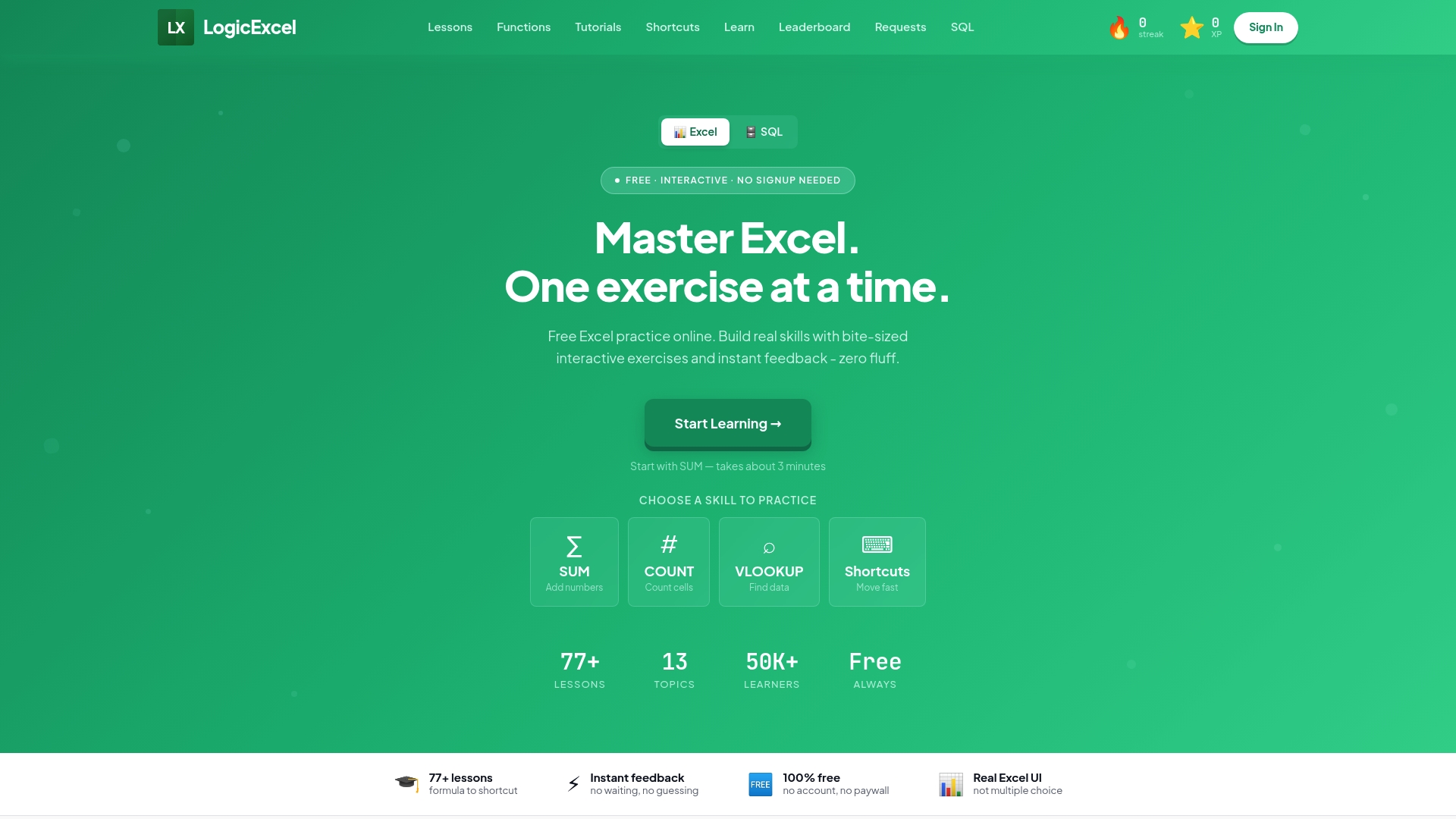
Visit Logicexcel to immediately practice real Excel formulas and check your work. Start improving formula speed and accuracy with free, bite-sized lessons designed for analysts, managers, and career changers who need practical skills that translate directly to their work.
FAQ
What features make Logicexcel suitable for learning Excel quickly?
Logicexcel offers a real-time, in-browser Excel simulation that validates formulas as users enter them. This feature allows learners to build muscle memory while typing in an interface that mimics desktop Excel, making it ideal for improving confidence in formula writing.
How does Excel Exercises compare to Logicexcel?
Excel Exercises excels at providing a structured approach with interactive, bite-sized lessons that cover everything from basics to advanced formulas. However, Logicexcel's focus on immediate formula validation allows for faster skill development, making it more suitable for quick practice and repetition.
What tools does Logicexcel provide for tracking progress in Excel skills?
Logicexcel incorporates progress tracking that uses experience points (XP) and streaks to motivate daily practice. This ensures learners can see their growth over time, helping them stay engaged and committed to mastering Excel skills.
Can I use Excel Practice Online to prepare for certification?
Excel Practice Online focuses on practical exercises and doesn't offer formal assessments or certifications. In contrast, Logicexcel allows users to practice real Excel formulas while tracking progress without the need for signups, making it a more flexible option for certification preparation.
What is the main advantage of using Jashby for learning Excel?
Jashby utilizes a gamified, interactive learning environment that encourages active participation by letting users type formulas directly into a spreadsheet. While this is beneficial, Logicexcel's real-time validation of formulas enhances immediate learning and confidence.
Recommended