Best Sites to Learn Excel in 2026: Top Picks Compared

What are the best sites to learn Excel right now?
The best site to learn Excel depends on what you actually need: structured certification, free interactive practice, or a quick reference library. For most learners in 2026, the top options are Coursera, Udemy, LinkedIn Learning, W3Schools, Excel Easy, and Logicexcel. Each covers a different slice of the learning spectrum, from university-backed courses with credentials to zero-cost, no-signup practice environments.
Here is how they stack up across the dimensions that matter most.
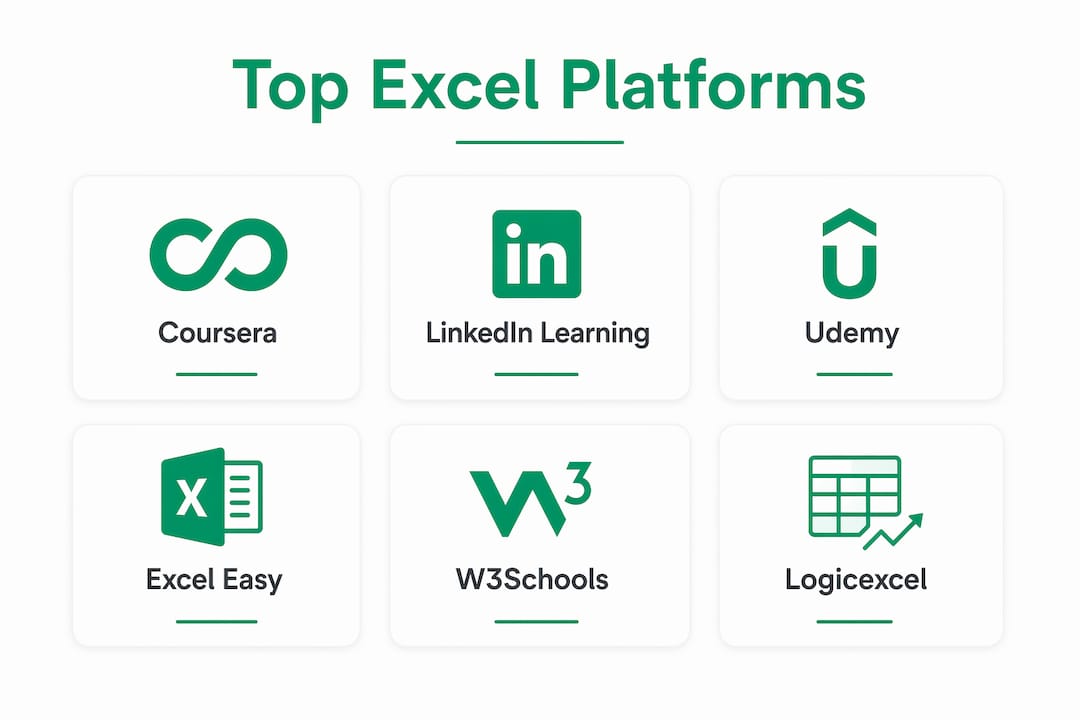
| Platform | Coursera | W3Schools | Udemy | LinkedIn Learning | Excel Easy | Logicexcel |
| Course type | Free audit + paid | Free | Paid (frequent discounts) | Paid (subscription) | Free | Free |
| Learning level | Beginner to advanced | Beginner to intermediate | Beginner to advanced | Beginner to advanced | Beginner | Beginner to intermediate |
| Skills covered | Formulas, pivot tables, data analysis, VBA | Formulas, functions, charts | Formulas, pivot tables, VBA, Power Query | Formulas, pivot tables, data analysis | Formulas, charts, pivot tables | Formulas, pivot tables, shortcuts, data tools |
| Interactive practice | Quizzes, graded assignments | Live browser exercises | Practice files | Video quizzes | 300+ examples | 95 interactive exercises |
| Certification | Yes (paid) | Yes (paid exam) | Certificate of completion | LinkedIn certificate | No | No |
| Best for | Credential seekers | Beginners wanting free practice | Diverse course options | Working professionals | Complete beginners | Hands-on, no-signup practice |
Coursera and LinkedIn Learning are the go-to choices when a credential matters for your career. Udemy wins on sheer variety and lifetime access. W3Schools and Excel Easy are the best free Excel learning tools for pure beginners. Logicexcel fills a gap none of the others address as directly: genuine hands-on practice with instant feedback, no account required.
A closer look at each Excel learning platform
Coursera
Coursera partners with universities like Duke and the University of Michigan to deliver structured Excel courses that carry real academic weight. You can audit most courses for free, but the certificate requires payment. The curriculum typically runs from basic spreadsheet navigation through pivot tables, data analysis, and sometimes VBA. Graded assignments and peer review keep learners accountable in a way that passive video watching never does.
W3Schools
W3Schools built its reputation on browser-based interactivity. Every tutorial chapter includes a live exercise you run directly in the browser, which closes the gap between reading about a formula and actually typing one. Research on active learning confirms that interactive exercises drive higher retention than static tutorials. The content stays at the beginner-to-intermediate level, so advanced learners will outgrow it, but for someone starting from scratch it is one of the cleanest free entry points available.
Udemy
Udemy's strength is volume. Hundreds of Excel courses cover everything from basic data entry to Power Query automation and financial modeling. Prices vary widely, but Udemy runs frequent discounts that bring most courses under $20. Lifetime access is the real draw: buy once, revisit whenever you need a refresher on pivot tables or VBA. The quality varies by instructor, so checking the rating and reading a few reviews before purchasing is worth the two minutes it takes.

LinkedIn Learning
LinkedIn Learning integrates directly with your LinkedIn profile, which makes it the obvious pick for professionals who want their Excel skills visible to recruiters. Courses are well-produced and cover the full range from beginner to advanced. The subscription model means you get access to the entire library, not just one course. The downside is cost: without a corporate account or free trial, it is the priciest option on this list.
Excel Easy
Excel Easy offers over 300 examples organized into a clean, stepwise tutorial that has attracted over a million monthly learners. The layout is deliberately simple: no video, no subscription, no distractions. You read an explanation, study the example, and move on. It covers the core topics well, including VLOOKUP, pivot tables, and basic charts. Excel Easy does not offer certification or interactive exercises, but as a free reference and beginner guide it is hard to beat for clarity.
Logicexcel
Logicexcel takes a different approach than every other platform on this list. Rather than watching videos or reading tutorials, you practice directly in an Excel-like environment that gives you instant feedback on each answer. The platform offers 95 interactive exercises covering formulas, pivot tables, shortcuts, conditional formatting, and data validation, all free with no account or software installation required. That no-friction access matters: most learners drop off when they hit a sign-up wall. Logicexcel removes it entirely.
Community and localization: Coursera and Udemy both have discussion forums attached to individual courses. LinkedIn Learning has a Q&A feature. W3Schools and Excel Easy are reference sites with no community layer. Logicexcel focuses on solo practice rather than community discussion. For learners who want peer interaction, Coursera and Udemy are the stronger choices; platforms like
Chandoo.org supplement any of these with 500+ tutorials and active forums.
Device compatibility: All six platforms work on desktop browsers. Coursera, Udemy, and LinkedIn Learning have dedicated mobile apps. W3Schools, Excel Easy, and Logicexcel are browser-based and work on mobile, though the spreadsheet exercises are easier on a larger screen.
Free trials and previews: Coursera lets you audit most courses for free. Udemy shows free preview lessons before purchase. LinkedIn Learning offers a one-month free trial. W3Schools, Excel Easy, and Logicexcel are entirely free with no trial period needed.
How to choose the best Excel course for your goals
The right platform comes down to three questions: What do you need to prove, how do you learn best, and what is your budget?
Key factors to weigh:
- Certification need: If you need a credential for a job application or promotion, Coursera or LinkedIn Learning are the practical choices. If you just need the skill, certification is optional overhead.
- Learning style: Video learners do well on Udemy or LinkedIn Learning. Readers who prefer text and examples gravitate toward Excel Easy or W3Schools. Learners who retain skills through repetition get the most from Logicexcel's exercise-based format.
- Budget: Free options (W3Schools, Excel Easy, Logicexcel) cover beginner-to-intermediate skills thoroughly. Paid platforms add structure, instructor feedback, and credentials.
- Skill focus: If your goal is data analysis and dashboards, Coursera and Udemy have the deepest coverage. For formulas and shortcuts, W3Schools and Logicexcel are faster paths to proficiency.
- Update frequency: Excel adds features with each Microsoft 365 update. Udemy and LinkedIn Learning update courses more regularly than static sites like Excel Easy.
Pro Tip: Before committing to a paid course, spend 20 minutes on a free platform like Logicexcel or W3Schools. If you can complete five exercises without frustration, you are ready for a structured course. If the basics feel shaky, start there first.
A course's user interface matters more than most learners expect. A cluttered or slow platform adds friction that compounds over dozens of sessions. Test the interface on your actual device before paying.
What does an effective Excel learning path look like?
A structured, multi-level curriculum with roughly 40 lessons or 300+ examples is the most effective approach for beginners, moving from data entry and formatting through intermediate formulas and data tools, and culminating in advanced automation with VBA and Power Query.
A practical three-stage path:
- Stage 1 (Basics): Data entry, cell formatting, basic arithmetic formulas (SUM, AVERAGE, COUNT), sorting, and filtering. This stage should feel comfortable before moving on.
- Stage 2 (Intermediate): VLOOKUP, IF statements, pivot tables, named ranges, and basic charts. This is where most office users spend 80% of their time.
- Stage 3 (Advanced): Power Query, XLOOKUP, dynamic arrays, conditional formatting rules, and VBA macros for automation.
Mastering Excel goes beyond memorizing formulas. Data visualization and project management skills, built through hands-on templates and real-world examples, are what separate a competent user from a genuinely skilled one. Downloading and working through real project templates accelerates that transition faster than any video course alone.
Small, focused exercises build muscle memory more reliably than tackling large projects early. Typing a VLOOKUP formula 10 times in different contexts cements it in a way that watching someone else type it never does. The same principle applies to pivot tables, conditional formatting, and every other function you want to use fluently under pressure.
Pro Tip: When you hit a topic that feels complex, like VBA or Power Query, break it into the smallest possible unit. Write one macro that does one thing. Run it. Fix it. Then add one more line. That incremental approach prevents the paralysis that stops most learners at the advanced stage.
You can follow a beginner-to-advanced course path that maps this progression, or use a visual lesson map to see exactly where you stand and what comes next.
Logicexcel builds Excel skills through active practice
Logicexcel is built on a premise that most Excel platforms ignore: reading about a formula is not the same as using it. The platform offers 95 interactive exercises in a realistic Excel-like environment where you type actual formulas and get instant feedback on whether your answer is correct. No video to pause and rewind. No passive watching. Just practice.
What makes Logicexcel different:
- Free access to all exercises with no account, no email, and no software to install.
- Covers formulas, pivot tables, shortcuts, conditional formatting, data validation, and more.
- Instant feedback on every input, so you know immediately whether your formula logic is right.
- Bite-sized exercises that build muscle memory efficiently, which is especially useful before a job interview or Excel assessment.
- Works in any modern browser on desktop or laptop.
The no-signup model removes the single biggest drop-off point in online learning. You land on the site and start practicing in under 30 seconds. For learners who have already watched tutorials but still feel uncertain when they open a real spreadsheet, that practice gap is exactly what Logicexcel addresses.
Pro Tip: Use Logicexcel's assessment prep exercises the week before a job interview. Many employers use timed Excel tests, and the muscle memory you build through repeated practice is what holds up under time pressure, not the formulas you memorized from a video.

Pair the exercises with Logicexcel's step-by-step learning guides when you want the theory behind a function before you practice it. The combination of explanation and immediate hands-on repetition is what makes skills stick.
Logicexcel: free Excel practice without the sign-up barrier
Every platform on this list teaches Excel. Logicexcel lets you practice it, right now, for free, without creating an account.
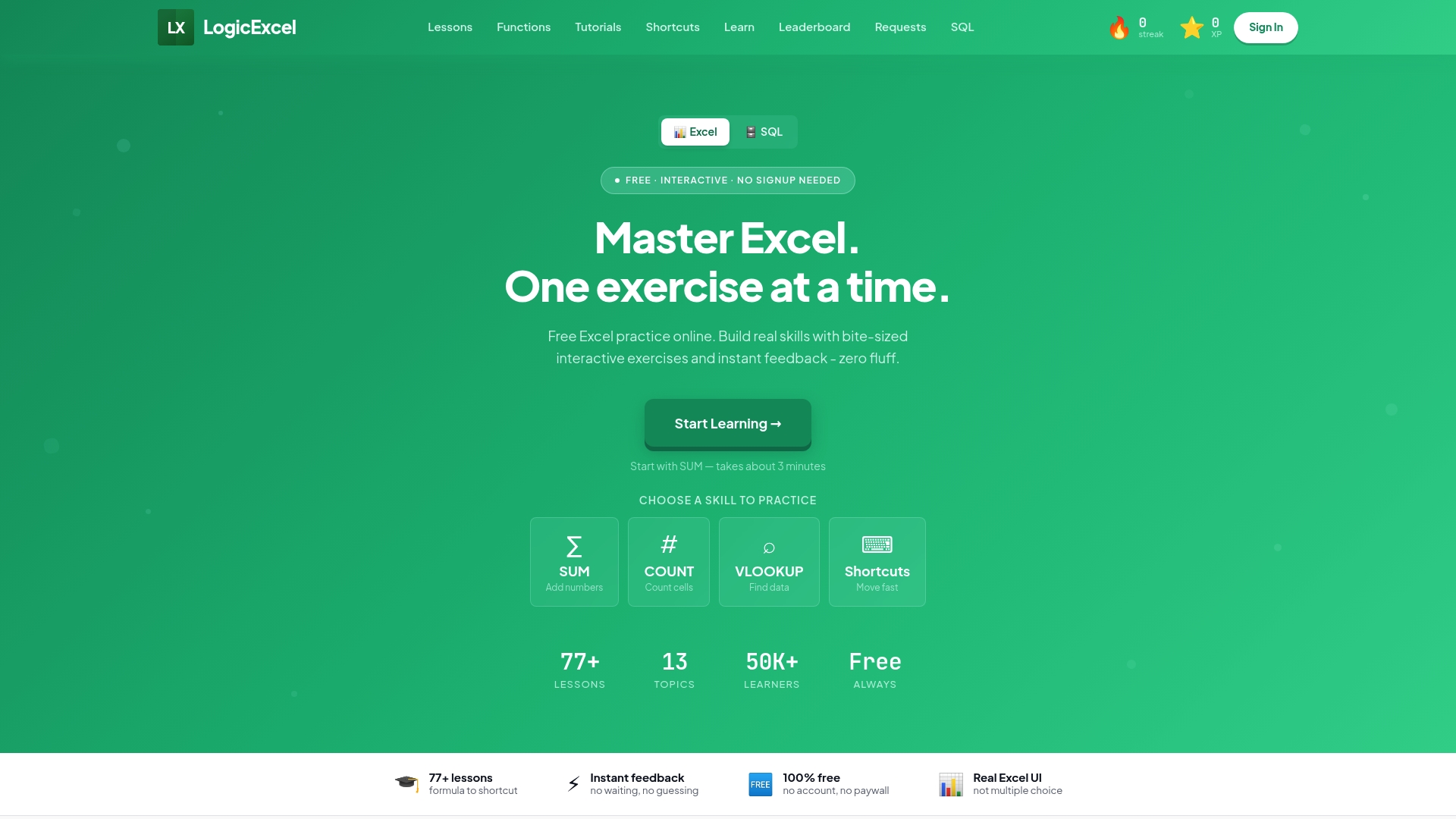
If you have already watched tutorials on Udemy or worked through Excel Easy's examples but still feel hesitant opening a real spreadsheet, that is the gap Logicexcel was built for. The 95 interactive exercises cover the functions and shortcuts that come up most in real work: SUM, VLOOKUP, pivot tables, conditional formatting, and keyboard shortcuts that save minutes every day. You can also work through the full free Excel course from beginner to advanced, or jump straight to the topics where you feel least confident.
FAQ
What is the best way to learn Excel for beginners?
Start with a structured, stepwise resource like Excel Easy or W3Schools for the basics, then reinforce each concept with hands-on practice on Logicexcel. Reading and doing together builds skills faster than either approach alone.
Which is the best free Excel course?
W3Schools, Excel Easy, and Logicexcel are all fully free. Logicexcel stands out for interactive practice with instant feedback, while Excel Easy offers over 300 examples for self-paced reading.
Can I learn Excel by myself?
Yes. Self-directed learning is highly feasible given the range of free resources available, from tutorial libraries with hundreds of examples to interactive practice platforms. Most learners reach a solid working level within a few weeks of consistent daily practice.
Which Excel course is best for beginners?
Excel Easy is the clearest text-based starting point for complete beginners. For beginners who prefer active practice over reading, Logicexcel's free exercises let you start typing formulas immediately with no setup required.
Key Takeaways
The best Excel learning platforms in 2026 combine structured curricula, free access, and hands-on practice, with the right choice depending on whether you need a credential, a reference library, or active repetition.
| Point | Details |
| Certification seekers | Coursera and LinkedIn Learning offer the strongest credential options linked to professional profiles. |
| Best free reference sites | Excel Easy provides over 300 examples; W3Schools adds live browser exercises at no cost. |
| Hands-on practice gap | Logicexcel's 95 interactive exercises build muscle memory with instant feedback and no sign-up required. |
| Effective learning path | A structured path moves from basics through intermediate formulas to advanced VBA and Power Query in roughly 40 lessons or 300+ examples. |
| Logicexcel pick | For learners who need to close the gap between knowing a formula and using it fluently, Logicexcel is the strongest free option. |
Recommended