Best Free Online Excel Sheet Tools for 2026

What is an online Excel sheet?
An online Excel sheet is a browser-based spreadsheet you can open, edit, and save without installing any software. You get the core Excel experience — formulas, charts, formatting, data validation — delivered through a web page, with your work stored in the cloud instead of on a local drive.
The practical benefits are hard to argue with:
- Access from any device: Open your spreadsheet on a laptop, phone, or tablet without syncing files manually.
- No installation: Works in Chrome, Edge, Firefox, and Safari right away.
- Real-time collaboration: Multiple people can edit the same file at the same time.
- Cloud storage: Changes save automatically, so you rarely lose work.
- File format support: Most tools handle XLSX, XLS, CSV, and PDF natively.
Typical uses range from household budgets and project tracking to sales reports and team dashboards. For most day-to-day spreadsheet work, a free browser-based tool covers everything you need.
*
How to create and edit spreadsheets with online Excel tools
Getting started takes about two minutes. Here is the standard workflow across most free editors:
- Open the tool in your browser. No account is required for several editors, including Syncfusion's Online Excel Editor.
- Start fresh or upload a file. Create a blank sheet or upload an existing file in XLSX, XLS, CSV, XLSM, or XLSB format.
- Edit your data. Type values, apply Excel-style formulas, adjust column widths, and add conditional formatting just as you would in the desktop app.
- Insert charts or pivot tables. Most editors support bar, line, and pie charts built directly from your data range.
- Save to the cloud. Changes sync automatically when you are signed into a cloud-connected account.
- Download or export. Export your spreadsheet in XLSX, CSV, or PDF with WYSIWYG accuracy, meaning what you see on screen is exactly what prints or downloads.
- Share with collaborators. Send a link with view-only or edit permissions, and teammates can join the same session without emailing file versions back and forth.
Pro Tip: Before sharing a file with sensitive data, check the sharing settings first. Most tools let you restrict access to specific email addresses rather than anyone with the link.
*
Key features you should expect from any online Excel editor
Not every browser-based editor is equal. These are the features worth checking before you commit to one tool.
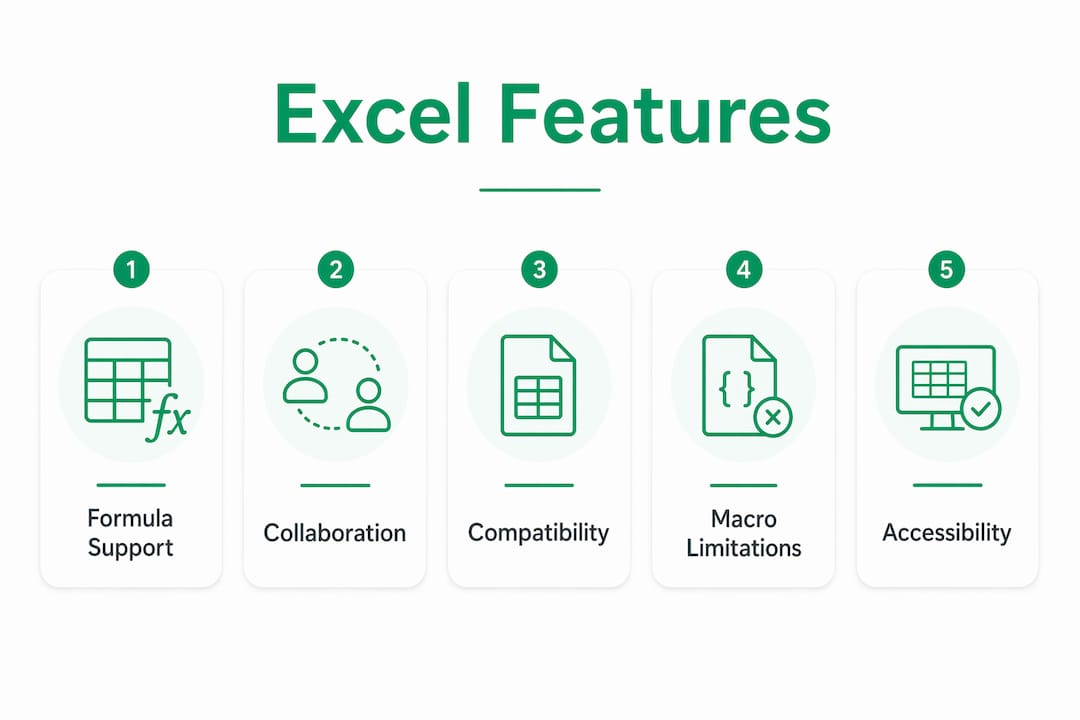
| Feature | What to look for |
| Formula support | Excel-compatible functions like SUM, VLOOKUP, IF, and COUNTIF |
| Charts and visualization | Bar, line, pie, and scatter charts built from selected data |
| Conditional formatting | Color rules that update automatically as data changes |
| Data validation | Drop-down lists and input restrictions to keep data clean |
| File format compatibility | XLSX, XLS, CSV, and PDF import and export |
| Collaboration tools | Comments, co-editing, and revision history |
| Security | Fine-grained sharing controls and enterprise-grade security for cloud sessions |
| Offline access | Some tools let you edit without an internet connection and sync later |
The one area where online editors consistently fall short of the desktop app is macro support. Complex VBA macros and niche add-ins generally do not run in a browser environment. Zoho Sheet and WPS Office, for example,
handle standard formulas and formatting well but do not fully replicate advanced macro-driven workflows. If your work depends heavily on macros, you will still need the desktop version for those specific tasks.
*
Popular free online Excel sheet editors available in the US
1. Microsoft Excel Online
Excel for the web is free for anyone with a Microsoft account. It covers organizing, analyzing, and visualizing data, and it updates calculations and charts with a single click. Because it is the same brand as the desktop app, file compatibility is essentially perfect. It runs on Windows, macOS, iOS, and Android, so switching between devices mid-project is painless.

2. Syncfusion Online Excel Editor
Syncfusion's editor is a strong pick when you need a no-account, no-installation option. It supports XLSX, XLS, CSV, XLSM, and XLSB formats, offers WYSIWYG editing, and includes enterprise-grade security for cloud-based sessions. Budgets, project trackers, and data analysis reports all work well here.
3. Zoho Sheet
Zoho Sheet leans into collaboration. It includes an AI-assisted data analyst, real-time co-editing, and over 1,000 integration options with other apps. Spreadsheets sync automatically across web, Windows, macOS, Android, and iOS. It also supports offline editing on desktop and Android apps, which is a practical advantage for users with unreliable connections.
4. WPS Office
WPS Office handles the major spreadsheet formats and works well for lighter editing tasks. It is a practical choice when you need to open an XLSX file quickly, make edits, and move on without setting up an account or learning a new interface.
*
Build real Excel skills with interactive online practice
Knowing which tool to open is one thing. Actually knowing what to type inside it is another. Free online editors give you the environment; Logicexcel gives you the skills to use it well.
Logicexcel offers over 77 hands-on lessons with no signup required. You type formulas directly into an Excel-like interface and get instant feedback, which builds the kind of muscle memory that reading a tutorial never does. Lessons cover formulas, charts, pivot tables, conditional formatting, and keyboard shortcuts, all structured for immediate real-world application.
- No passive watching: Every lesson requires you to input something and see the result.
- Instant feedback: You know right away whether your formula is correct, not after submitting a quiz.
- No barriers: No account, no payment, no software to install.
- Skill progression: Lessons move from beginner basics to functions professionals use daily.
Coaches, educators, and small business owners who track data in spreadsheets regularly find that
structured Excel practice translates directly into faster, more confident work. Whether you are building a budget tracker or analyzing sales data, the gap between knowing a tool exists and knowing how to use it efficiently is where Logicexcel sits.
Pro Tip: Start with the free Excel exercises on Logicexcel before diving into a complex spreadsheet project. Even 15 minutes of targeted practice on VLOOKUP or pivot tables pays off immediately.
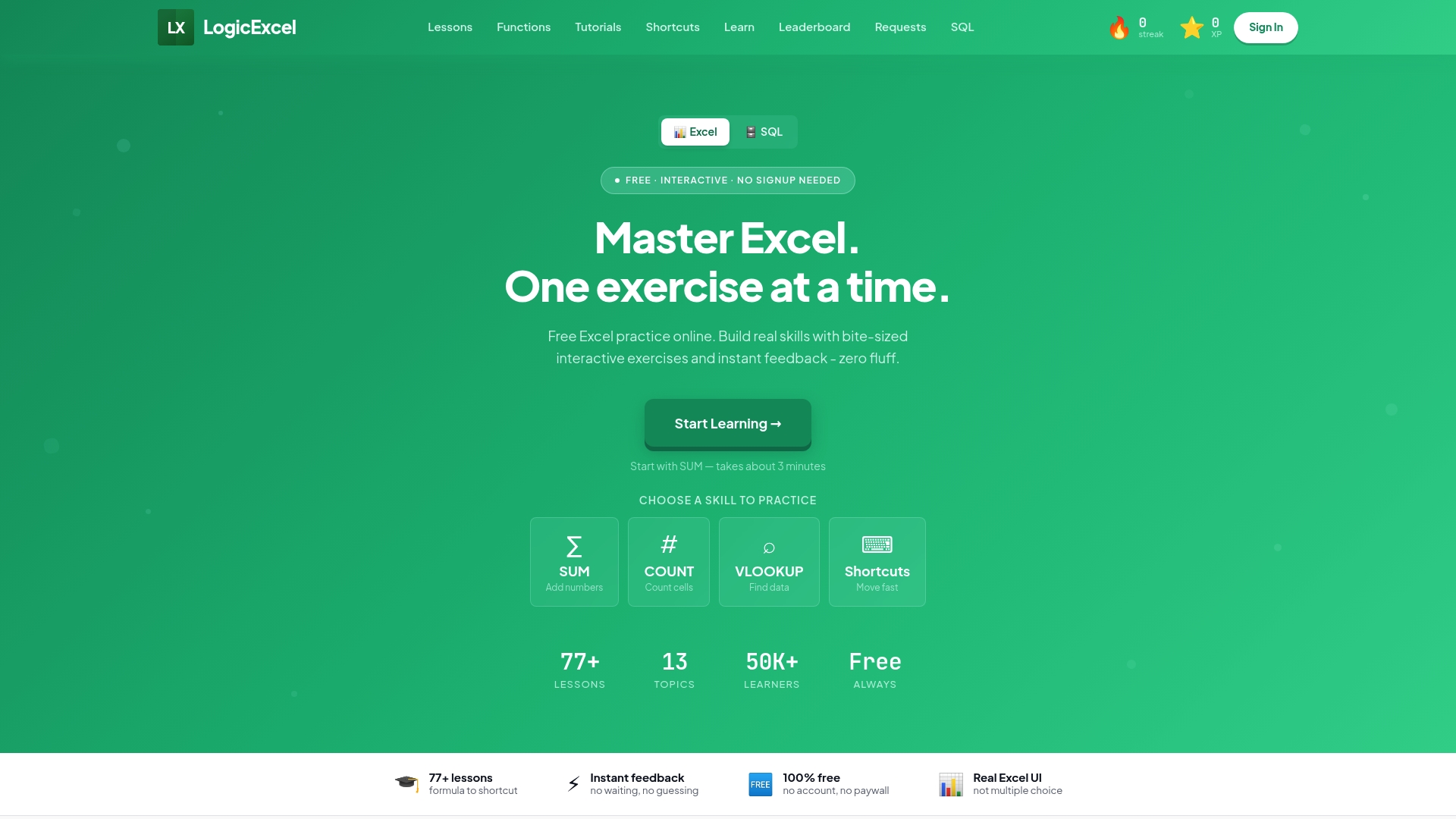
Ready to go beyond opening a spreadsheet? Logicexcel's Excel learning guides cover every major function and formula with step-by-step walkthroughs you can apply the same day.
*
Key Takeaways
Free online Excel sheet tools cover the full range of everyday spreadsheet tasks, from budgeting to data analysis, without requiring any software installation.
| Point | Details |
| Browser access, no install | Any modern browser opens an online Excel sheet instantly, on any device. |
| File format compatibility | Look for XLSX, XLS, CSV, and PDF support to avoid conversion headaches. |
| Collaboration built in | Real-time co-editing and revision history replace emailing file versions. |
| Macro limitations | Complex VBA macros do not run in browser-based editors; use desktop Excel for those. |
| Skill building matters | Logicexcel offers 77+ free lessons with instant feedback to close the skills gap. |
*
FAQ
Can I use Excel online for free?
Yes. Microsoft Excel for the web is free for anyone to use with a Microsoft account, offering core spreadsheet features including formulas, charts, and real-time collaboration.
How do I create an online Excel sheet from scratch?
Open a free browser-based editor such as Microsoft Excel Online or Syncfusion's Online Excel Editor, select "new spreadsheet," and start typing. No download or account is required for several of these tools.
Can ChatGPT do Excel work?
ChatGPT can write and explain Excel formulas, but it cannot open, edit, or save an actual spreadsheet file. You still need a spreadsheet editor to apply those formulas to real data.
How can I get a free Excel spreadsheet?
Microsoft Excel for the web, Syncfusion's Online Excel Editor, Zoho Sheet, and WPS Office all offer free spreadsheet creation and editing directly in your browser, with no purchase required.
Recommended