SQL Practice Exercises with Solutions: A Complete Guide

The fastest way to get good at SQL is to write queries, break them, and fix them. Structured SQL practice exercises with solutions give you exactly that loop, organized so you are not guessing what to tackle next. The best resources cover everything from basic SELECT statements to recursive CTEs, with step-by-step solutions that explain the why, not just the answer.
Here is what well-structured SQL practice covers:
- Beginner: SELECT, WHERE filters, basic JOINs, simple aggregates
- Intermediate: GROUP BY, HAVING, subqueries, multi-table joins
- Advanced: Window functions, recursive CTEs, stored procedures, performance tuning
- Interview prep: Randomized dataset grading, robustness testing, mock problems
- Interactive practice: Platforms like LogicExcel that give instant feedback without any setup
Table of Contents
Beginner SQL exercises you can start today
Every SQL learner starts in the same place: getting data out of a table. Beginner exercises focus on SELECT, WHERE, and simple aggregate functions because those three concepts underpin almost every query you will ever write.
Typical beginner exercise types include:
- Retrieve all columns from a Sales table using SELECT *
- Filter rows with WHERE total_price > 100
- Sort results with ORDER BY unit_price DESC
- Count rows with COUNT(*) and sum values with SUM(quantity_sold)
- Use BETWEEN to filter a price range, like products priced between $20 and $600
The goal at this stage is not speed. It is getting comfortable with query syntax so that the structure feels automatic.
SQL exercises organized by topic help beginners avoid the common trap of jumping to JOINs before they can reliably filter a single table. Solutions matter here because a beginner who writes
COUNT(column) instead of
COUNT(*) needs to see exactly why the results differ. LogicExcel's beginner-friendly environment lets you type queries and see results instantly, which shortens that feedback loop considerably.
Intermediate SQL exercises with explanations
Once you can query a single table confidently, the real relational work begins. Intermediate exercises push you into GROUP BY, HAVING, subqueries, and multi-table joins, which is where most data analyst interview questions live.
Common intermediate exercise themes:
- Calculate total revenue by product category using GROUP BY category
- Use HAVING to filter groups, like finding categories with average unit price above $100
- Write a subquery to identify products not present in the Sales table
- Join multiple tables to list sales alongside product names and categories
- Rank products by total revenue using RANK() as an introduction to window functions
The explanations in solutions matter more at this level than at the beginner stage. A query that returns the right answer for the wrong reason, say, an INNER JOIN that accidentally excludes valid NULLs, will fail in production. Good intermediate exercises surface those edge cases. LogicExcel's intermediate section pairs each problem with an explanation of the query logic, not just the final SQL, so you understand what to adjust when the data changes.
Advanced SQL exercises and real-world case studies

Advanced SQL is where syntax knowledge stops being enough. Practical exercises that embed transactions, views, and stored procedures are what move learners from knowing SQL to actually using it on production databases.
Advanced exercise types worth working through:
- Window functions: ROW_NUMBER(), LAG(), running totals with SUM() OVER()
- Recursive CTEs: Classic example is counting 1–10 or traversing an org chart hierarchy
- Stored procedures: Write Update_Unit_Price to modify a product's price by ID
- Transactions: Insert a new product and a corresponding sale record, rolled back together if either fails
- Indexing: Explain why adding an index on product_id in the Sales table cuts a full-table scan
- Views: Create Top_Products listing the top three products by quantity sold
One thing senior reviewers specifically flag: missing
ORDER BY in queries that use
LIMIT. A query without an explicit sort order is non-deterministic, meaning it can return different rows on different runs. Advanced exercises that use randomized data seeds catch exactly this kind of brittle query. LogicExcel's advanced practice environment simulates those conditions, pushing you toward the code quality a data engineering team would actually accept.
Why interactive platforms improve your SQL learning
SQL fluency develops through repeated practice and real problem-solving, not passive reading. The "mind blank" moment when you face a new query is normal, and the only way through it is writing code, seeing what breaks, and iterating.
Interactive platforms reduce the friction that kills practice sessions before they start. No database to install, no environment to configure. In-browser SQL editors running on real engines like PostgreSQL let you focus entirely on the query. Features like schema reference panels, autocomplete, and explain plans make exploratory querying feel natural rather than tedious.
Pro Tip: When you get a query right, try breaking it deliberately. Remove the ORDER BY, swap an INNER JOIN for a LEFT JOIN, or hard-code an ID. Seeing what changes in the output teaches you more than reading the solution ever will.
LogicExcel offers free SQL practice exercises spanning all skill levels, with instant feedback and no account required. That zero-barrier access matters when you want to squeeze in 20 minutes of practice between meetings.
Mock SQL interview questions with solutions
Interview SQL questions test a specific skill: writing correct, robust queries under pressure on data you have never seen. The SQL roadmap for interview prep runs from basic SELECT through window functions, and most technical screens follow that same arc.
Common mock interview question types:
- Find the second-highest salary in an employee table (tests subqueries or DENSE_RANK())
- Identify duplicate rows and delete all but the one with the smallest ID
- Write a self-join to find employees earning the same salary as a colleague
- Calculate a 7-day moving average of daily revenue
- Pivot monthly sales data using conditional aggregation
The key difference between a practice solution and an interview-ready solution is robustness. Hard-coded IDs fail when the dataset changes. Queries without tiebreakers in
ORDER BY produce unpredictable rankings. Platforms that test submissions against multiple randomized datasets catch those issues before an interviewer does.
How to set up a SQL practice environment
You do not need to install anything to start practicing SQL today. The fastest options:
- Browser-based platforms: LogicExcel, and similar tools run queries directly in your browser against real database engines, no setup required
- SQLite: Lightweight, file-based, and available on every OS. Download the SQLite CLI and you have a full SQL environment in under two minutes
- PostgreSQL: The standard for production workloads. Install locally or spin up a free cloud instance on services like Render or Supabase
- Sample databases: Use AdventureWorks for SQL Server practice or the classic Northwind database for JOINs and aggregates across realistic schemas
For learners who want structured paths alongside free practice,
AnyLearns adapts its curriculum as your skills develop, which pairs well with dedicated SQL query exercises.
LogicExcel makes SQL practice genuinely free and frictionless
If you have been putting off SQL practice because setting up a local database feels like a project in itself, LogicExcel removes that excuse entirely.
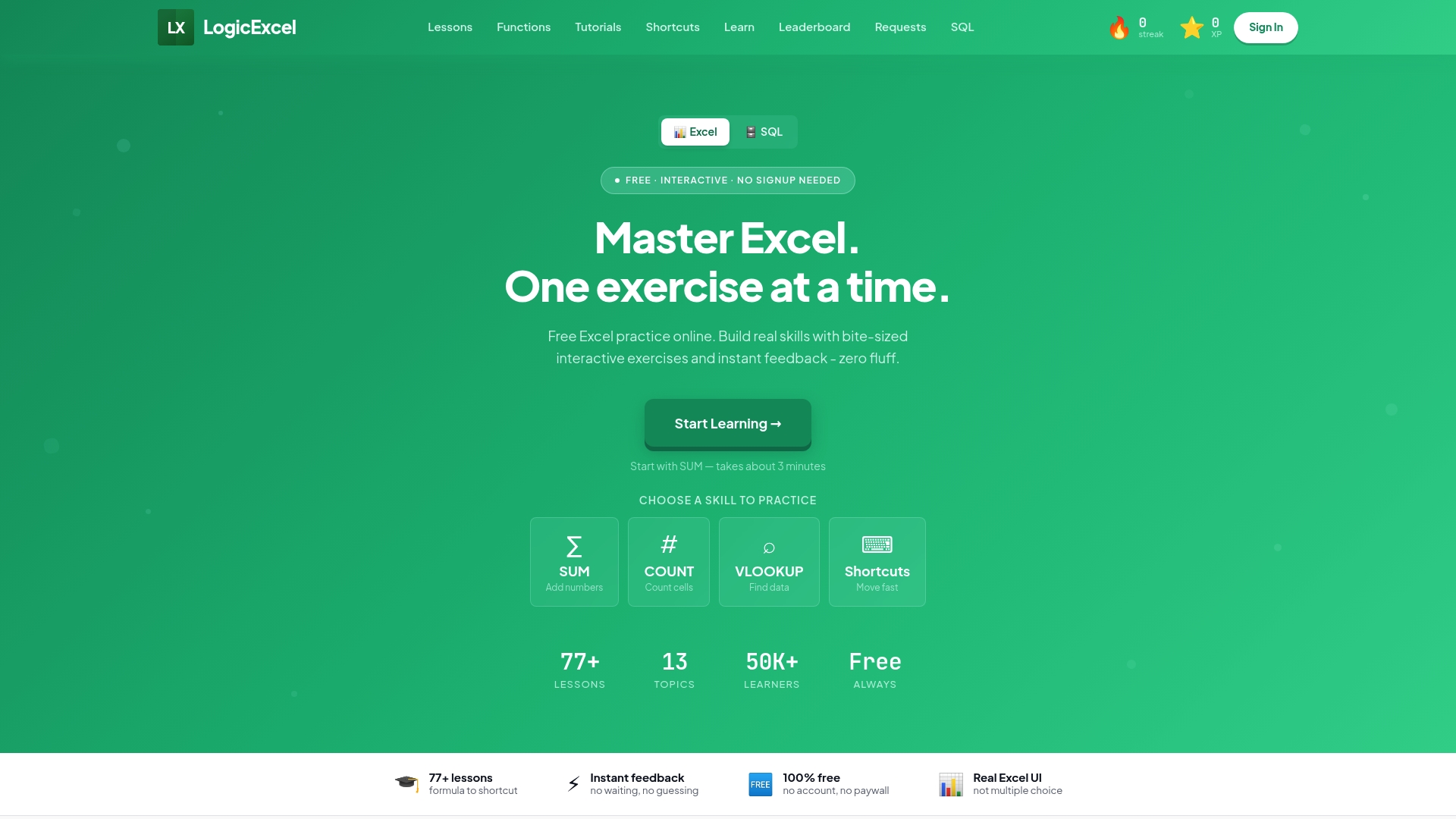
LogicExcel's SQL practice platform gives you structured exercises from beginner SELECT queries through advanced window functions, all in a browser-based environment with instant feedback and no sign-up required. Every exercise comes with a detailed solution and explanation, so you understand the logic, not just the answer. Whether you are preparing for a data analyst interview or filling gaps in your current SQL knowledge, the exercises are organized by topic and difficulty so you always know what to work on next. Start your first query now at logicexcel.com/sql.
FAQ
What topics do SQL practice exercises typically cover?
Most structured SQL exercise sets cover SELECT, WHERE, JOINs, GROUP BY, HAVING, subqueries, window functions, and recursive CTEs, progressing from beginner to advanced difficulty.
How do solutions help me learn SQL faster?
Detailed solutions explain the query logic behind each answer, helping you understand why a particular JOIN type or aggregation method works, not just what the correct syntax looks like.
Do I need to install software to practice SQL?
No. Browser-based platforms like LogicExcel run queries against real database engines without any installation, making it possible to start practicing immediately.
What makes a SQL query interview-ready?
An interview-ready query handles edge cases like NULLs and ties, uses explicit ORDER BY to avoid non-deterministic results, and returns correct output across varied datasets, not just the sample data you practiced on.
How many SQL exercises should I complete before an interview?
There is no fixed number, but working through problems at all three difficulty levels, beginner through advanced, and testing your queries against randomized data gives you the breadth and robustness most technical screens require.
Key Takeaways
Structured SQL practice with detailed solutions, organized by difficulty, is the most direct path from syntax confusion to interview-ready query writing.
| Point | Details |
| Practice by difficulty level | Work through SELECT and WHERE before tackling GROUP BY, subqueries, and window functions. |
| Solutions explain the why | Step-by-step explanations catch logic errors that produce correct output on sample data but fail in production. |
| Robustness over correctness | Interview-ready queries handle NULLs, ties, and randomized datasets, not just the static example in front of you. |
| No setup needed | Browser-based environments let you write and test real SQL queries without installing a database. |
| LogicExcel for free practice | LogicExcel offers structured SQL exercises with instant feedback across all skill levels, no account required. |
Recommended